
- 0
- 1.819 word
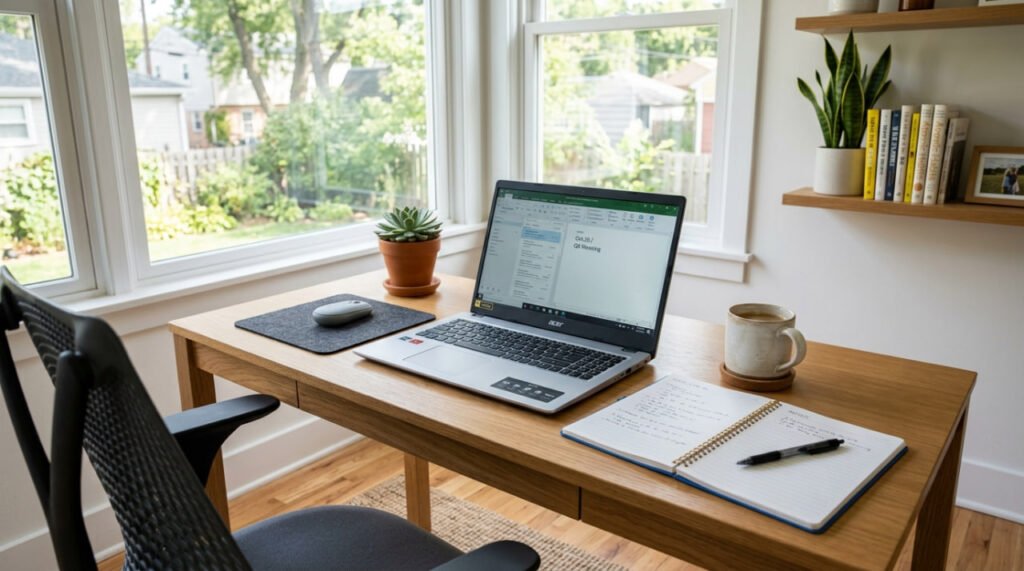
Finding a great laptop under $500 used to mean sacrificing performance, build quality, or battery life. Fortunately, that’s no longer the case.
Today’s budget laptops are faster, lighter, and more capable than ever before. Whether you’re a student attending online classes, a remote worker handling everyday tasks, or simply looking for a reliable computer for web browsing, streaming, and office work, there are excellent options available without spending a fortune.
In this guide, we’ve researched and compared the best budget laptops under $500 in 2026, focusing on performance, display quality, battery life, portability, and overall value.
By the end of this article, you’ll know exactly which affordable laptop is right for your needs and budget.
Why You Can Trust Our Recommendations
Buying a laptop isn’t just about finding the lowest price.
We evaluated each model using several important criteria to ensure our recommendations provide real value for everyday users.
Our evaluation includes:
- Overall performance
- Processor speed
- RAM and storage
- Display quality
- Battery life
- Build quality
- Keyboard comfort
- Port selection
- Upgrade possibilities
- Customer reviews
- Price-to-performance ratio
Rather than recommending the most expensive models, we focused on laptops that deliver the best overall experience for their price.
What to Look for in a Budget Laptop
Choosing the right laptop can feel overwhelming, especially with so many models available.
Before buying, consider these essential factors.
Processor
The processor is the brain of your laptop.
For most users, an Intel Core i3, AMD Ryzen 3, Intel Core i5, or AMD Ryzen 5 provides more than enough performance for everyday tasks.
Avoid outdated processors if possible.
RAM
In 2026, 8GB of RAM should be considered the minimum.
If you often multitask or keep many browser tabs open, 16GB is even better.
Storage
Solid State Drives (SSD) are much faster than traditional hard drives.
Look for:
- 256GB SSD (recommended)
- 512GB SSD (ideal)
Avoid mechanical hard drives whenever possible.
Battery Life
A good budget laptop should last at least 8 hours on a single charge.
Long battery life is especially important for students and remote workers.
Display
Choose a Full HD (1920×1080) display whenever possible.
Higher resolution provides:
- Sharper text
- Better colors
- More comfortable reading
- Improved video quality
Weight
If you’ll carry your laptop every day, portability matters.
A weight between 2.8 and 3.8 pounds offers a great balance between portability and screen size.
Operating System
Most buyers will choose between:
- Windows 11
- ChromeOS
Windows offers greater flexibility, while Chromebooks are perfect for web-based tasks and students.
Comparison Table
| Laptop | Best For | Screen | RAM | Storage | Battery |
|---|---|---|---|---|---|
| Acer Aspire 3 | Overall | 15.6″ FHD | 8GB | 512GB SSD | ⭐⭐⭐⭐⭐ |
| Lenovo IdeaPad Slim 3 | Value | 15.6″ FHD | 8GB | 256GB SSD | ⭐⭐⭐⭐⭐ |
| ASUS Vivobook Go 15 | Students | 15.6″ FHD | 8GB | 512GB SSD | ⭐⭐⭐⭐☆ |
| HP 15 | Work | 15.6″ FHD | 16GB | 512GB SSD | ⭐⭐⭐⭐⭐ |
| Acer Chromebook Plus 515 | ChromeOS | 15.6″ FHD | 8GB | 256GB SSD | ⭐⭐⭐⭐☆ |
Our Top Picks
1. Acer Aspire 3
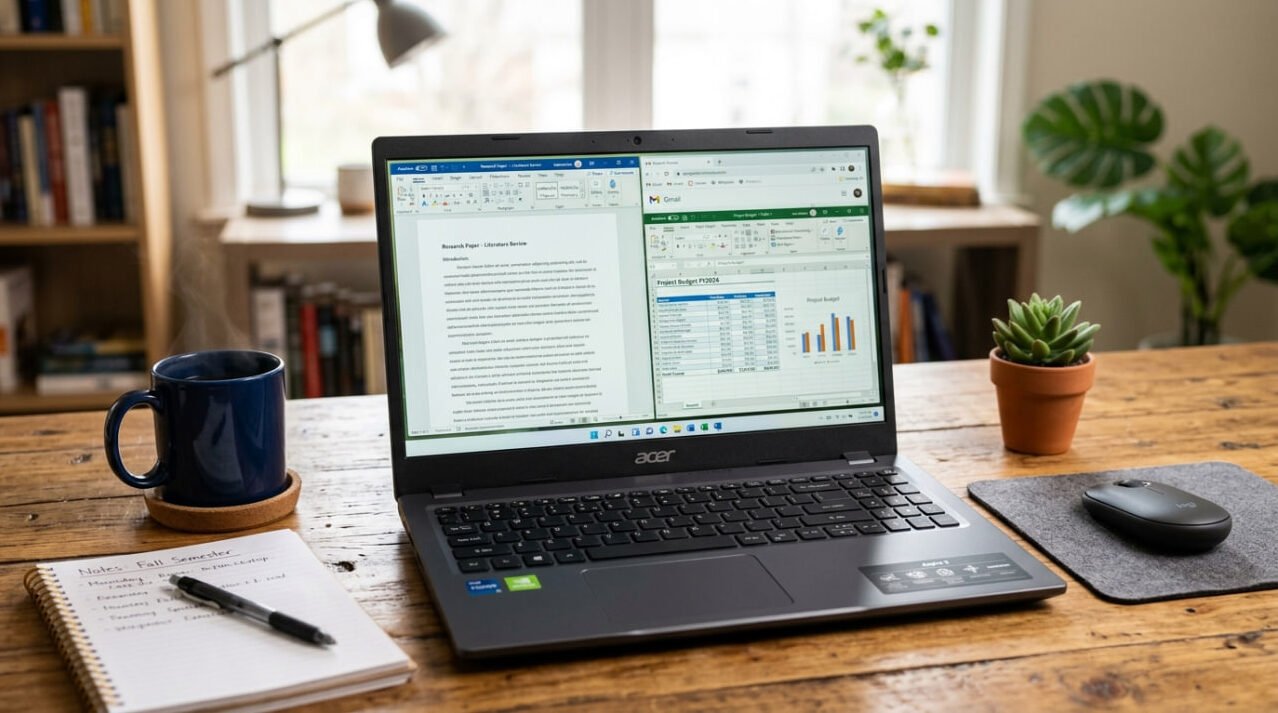
Best Overall Budget Laptop Under $500
The Acer Aspire 3 continues to be one of the strongest choices for buyers looking for excellent value.
Its combination of a modern processor, fast SSD storage, comfortable keyboard, and Full HD display makes it ideal for students, professionals, and home users alike.
Pros
- Excellent performance
- Comfortable keyboard
- Fast SSD
- Great battery life
- Affordable
Cons
- Basic speakers
- Plastic construction
Best For
Anyone looking for the best all-around laptop under $500.
2. Lenovo IdeaPad Slim 3

Best Value Laptop
The Lenovo IdeaPad Slim 3 delivers impressive performance for its price.
Its lightweight design, responsive keyboard, and reliable battery make it an excellent everyday laptop.
Pros
- Outstanding value
- Lightweight
- Good display
- Reliable performance
Cons
- Limited graphics power
Best For
Students, families, and office work.
3. ASUS Vivobook Go 15
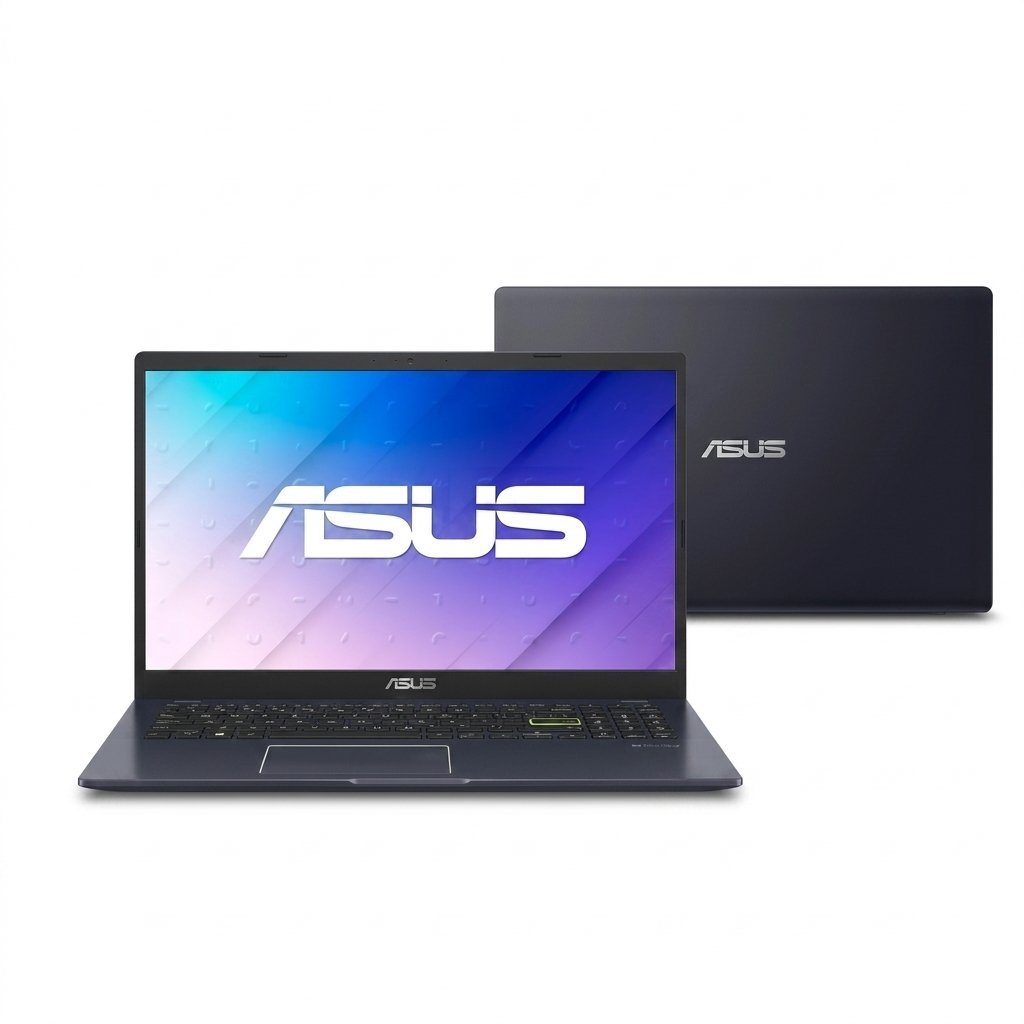
Best Laptop for Students
Designed with portability and affordability in mind, the ASUS Vivobook Go 15 is an excellent companion for school and college.
Its lightweight build and long battery life make it easy to carry throughout the day.
Pros
- Lightweight
- Long battery life
- Excellent display
- Quiet operation
Cons
- Average webcam
Best For
Students and remote learning.
4. HP 15
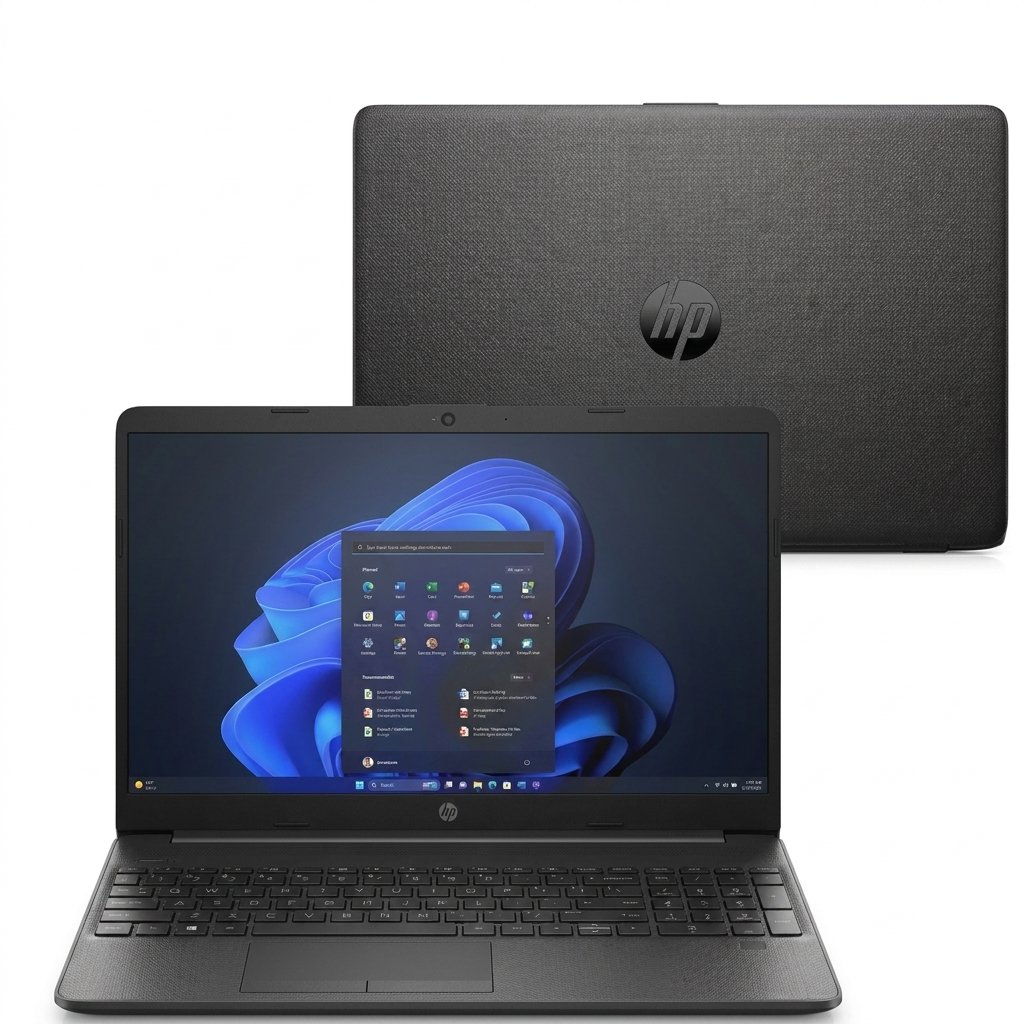
Best Budget Laptop for Work
If you’re looking for a reliable laptop for productivity, remote work, or office tasks, the HP 15 is one of the strongest choices under $500.
Powered by modern Intel Core or AMD Ryzen processors (depending on configuration), it handles multitasking smoothly while offering a comfortable keyboard and a crisp Full HD display.
Whether you’re working with Microsoft Office, attending Zoom meetings, or managing spreadsheets, the HP 15 delivers dependable performance for everyday business needs.
Key Features
- 15.6-inch Full HD Display
- Intel Core i5 or AMD Ryzen 5
- 16GB RAM (selected models)
- 512GB SSD
- Wi-Fi 6
- Windows 11
Pros
- Excellent productivity performance
- Comfortable keyboard
- Bright display
- Good battery life
- Plenty of ports
Cons
- Average speakers
- Plastic chassis
Best For
Remote workers, office professionals, freelancers, and small business owners.
5. Acer Chromebook Plus 515
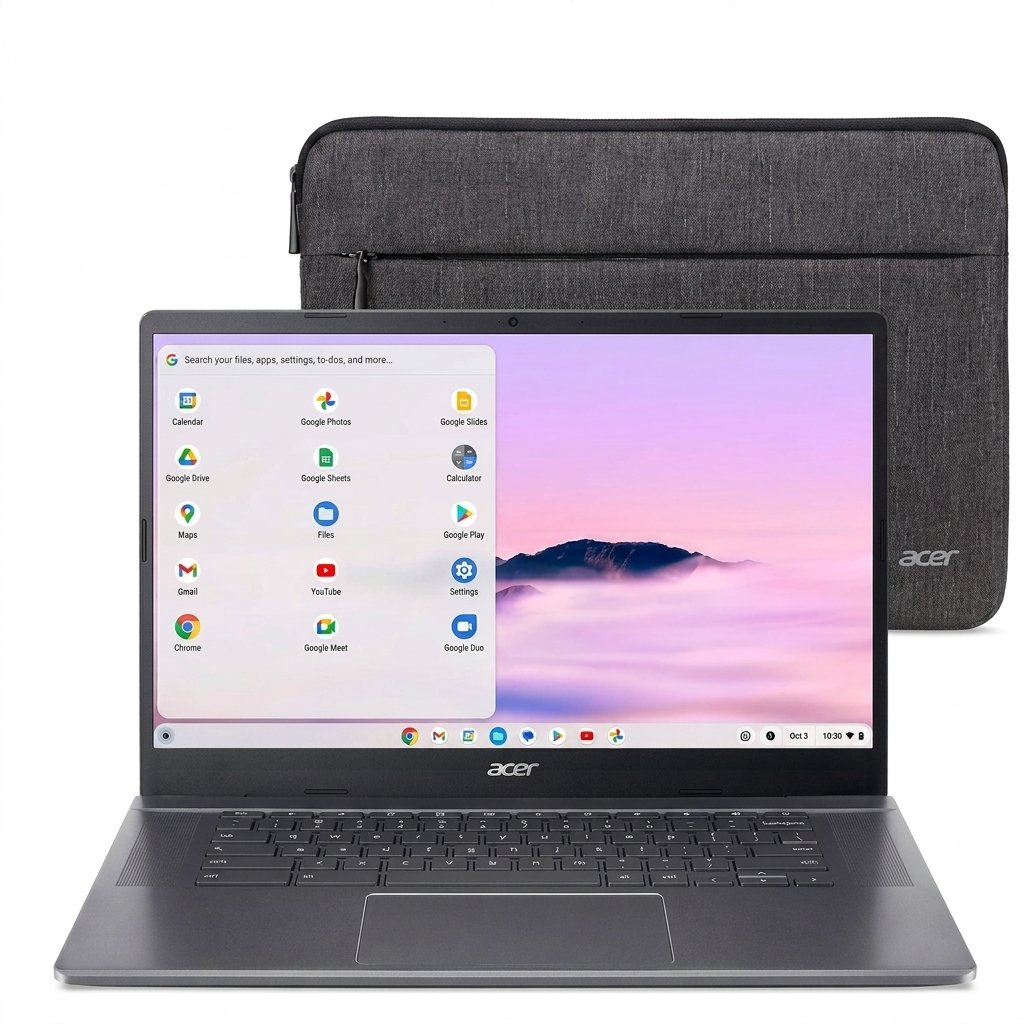
Best Chromebook Under $500
Not everyone needs Windows.
If most of your work happens in a web browser, Google’s ChromeOS can be a fantastic alternative.
The Acer Chromebook Plus 515 delivers excellent speed, outstanding battery life, and simple cloud-based productivity.
It’s ideal for students, teachers, and anyone using Google Docs, Gmail, YouTube, and web applications daily.
Key Features
- 15.6-inch Full HD Display
- Intel Core i3
- 8GB RAM
- 256GB SSD
- ChromeOS
- Wi-Fi 6E
Pros
- Extremely fast startup
- Excellent battery life
- Very secure
- Easy to use
- Affordable
Cons
- Limited software compatibility
- Not ideal for heavy video editing
Best For
Students, travelers, and users who spend most of their time online.
Which Laptop Should You Choose?
Every buyer has different priorities.
Here’s our recommendation based on your needs.
| If You Need… | We Recommend |
|---|---|
| Best Overall | Acer Aspire 3 |
| Best Value | Lenovo IdeaPad Slim 3 |
| Best for Students | ASUS Vivobook Go 15 |
| Best for Office Work | HP 15 |
| Best Chromebook | Acer Chromebook Plus 515 |
Buying Guide: How to Choose the Best Laptop Under $500
Buying a laptop can be confusing because manufacturers often advertise impressive specifications that don’t always translate into better real-world performance.
Here’s what truly matters.
Performance
The processor and SSD have the biggest impact on speed.
For everyday users, an Intel Core i3, Intel Core i5, AMD Ryzen 3, or Ryzen 5 paired with an SSD will feel significantly faster than older laptops using traditional hard drives.
Display Quality
A Full HD (1920×1080) screen should be your minimum requirement.
It offers sharper text, better colors, and a much more comfortable viewing experience than lower-resolution displays.
Battery Life
Look for laptops that provide between 8 and 12 hours of real-world battery life.
Long battery life is especially important for students and remote workers.
Keyboard
If you spend hours typing, keyboard comfort becomes extremely important.
Models from Lenovo and HP are particularly well-known for their comfortable keyboards.
Upgradeability
Some budget laptops allow RAM or SSD upgrades later, extending the laptop’s lifespan.
If possible, choose models that offer upgrade options.
Windows Laptop vs Chromebook
Many buyers wonder which operating system is better.
Here’s a quick comparison.
| Windows Laptop | Chromebook |
|---|---|
| More software compatibility | Faster startup |
| Better for gaming | Longer battery life |
| Better for professional work | Easier to use |
| Better for video editing | Lower maintenance |
| More upgrade options | Better security |
Which Should You Buy?
Choose Windows if you:
- Use Microsoft Office
- Need specialized software
- Edit photos or videos
- Want maximum flexibility
Choose a Chromebook if you:
- Mostly browse the web
- Use Google Workspace
- Watch streaming services
- Need long battery life
- Want simplicity
Common Mistakes to Avoid
Many buyers regret their purchase because they overlook a few key details.
Avoid these mistakes:
- Buying a laptop with only 4GB of RAM.
- Choosing a model with an old mechanical hard drive (HDD).
- Ignoring screen resolution.
- Buying solely based on price.
- Forgetting to check battery life.
- Not reading customer reviews.
Spending a little more upfront can often result in a much better long-term experience.
Internal Linking Opportunities
To strengthen your website’s SEO, link this article to related content such as:
- Best Office Chairs
- Best Standing Desks
- Best Wireless Earbuds
- Best Gaming Monitors
- Best External SSDs (future article)
- Best USB-C Hubs (future article)
Frequently Asked Questions (FAQ)
What is the best laptop under $500 in 2026?
The Acer Aspire 3 is our top overall pick because it offers the best combination of performance, display quality, battery life, and value. It handles everyday tasks, schoolwork, office work, streaming, and light multitasking with ease.
Is $500 enough for a good laptop?
Yes. In 2026, $500 is enough to buy a reliable laptop with:
- 8GB or 16GB of RAM
- 256GB or 512GB SSD storage
- Full HD display
- Modern Intel Core or AMD Ryzen processor
- 8–12 hours of battery life
These specifications are more than sufficient for students, remote workers, families, and general home use.
Which laptop is best for college students under $500?
The ASUS Vivobook Go 15 is our favorite choice for students because it is lightweight, has excellent battery life, and offers strong everyday performance for online classes, research, writing papers, and video streaming.
Are Chromebooks better than Windows laptops?
It depends on your needs.
Choose a Chromebook if you:
- Mainly use Google Docs, Gmail, and web apps
- Want long battery life
- Prefer a simple and secure system
- Do not need specialized Windows software
Choose a Windows laptop if you:
- Use Microsoft Office extensively
- Need professional software
- Want maximum compatibility
- Plan to edit photos or videos
- Need broader hardware support
How much RAM should a budget laptop have in 2026?
We recommend at least 8GB of RAM. If you frequently multitask, keep many browser tabs open, or work with larger documents, 16GB provides a noticeably smoother experience and better long-term value.
Is a 256GB SSD enough?
For most users, yes.
A 256GB SSD comfortably stores:
- Windows
- Microsoft Office
- Web browsers
- Streaming apps
- Thousands of documents and photos
If you store large video files, games, or extensive photo libraries, a 512GB SSD is the better choice.
Can I do light gaming on a laptop under $500?
Yes, but with realistic expectations.
These laptops can handle:
- Minecraft
- Roblox
- League of Legends
- Valorant (lower settings)
- Fortnite (performance mode / lower settings)
- Older or less demanding games
They are not designed for high-end AAA gaming.
Final Verdict
After comparing performance, display quality, battery life, portability, and overall value, here are our final recommendations.
Best Overall
Top Pick
Acer Aspire 3
The best balance of speed, battery life, display quality, and long-term value for most buyers under $500.
Best Value
Budget Winner
Lenovo IdeaPad Slim 3
Outstanding everyday performance and portability at one of the lowest prices in the category.
Best for Students
Campus Favorite
ASUS Vivobook Go 15
Lightweight, long-lasting, and ideal for classes, research, writing, and streaming between lectures.
Best for Work
Productivity
HP 15
Excellent keyboard, strong multitasking performance, and a dependable choice for remote work and office tasks.
Best Chromebook
ChromeOS
Acer Chromebook Plus 515
Fast startup, excellent battery life, and a simple, secure experience for web-based work and school.
For most buyers, the Acer Aspire 3 offers the strongest overall package and remains the safest recommendation under $500.
Our Buying Recommendation
Choose the Acer Aspire 3 if you want one laptop that can handle:
- School and college work
- Microsoft Office
- Web browsing
- Streaming Netflix and YouTube
- Video calls
- Light photo editing
- Everyday multitasking
Choose the Lenovo IdeaPad Slim 3 if saving money is your top priority.
Choose the HP 15 if productivity and work performance matter most.
Choose the Acer Chromebook Plus 515 if nearly everything you do happens in a web browser.
- affordable laptops
- best affordable computer
- best budget laptops under $500
- best budget notebook
- best Chromebook
- best laptop for college
- best laptop for home use
- best laptop for remote work
- best laptop for work
- best laptop under $500
- best laptops 2026
- best value laptop
- best Windows laptop under $500
- budget gaming laptop
- budget laptop comparison
- budget laptop for students
- cheap laptops
- laptop buying guide
- laptop reviews
- lightweight laptop
Autor

dil.ribeiros.cursos@gmail.com
Posts relacionados

Best Air Fryers in 2026: Top Picks for Every Kitchen
- 0
- 1.236 word
If you’re looking for the best air fryer in 2026, you’re not alone. Air fryers have become one of the most popular...
- air fryer buying guide
- air fryer comparison
- air fryer for beginners
- air fryer reviews
- best air fryer
- best air fryer for families
- best air fryer under $100
- best air fryer under $200
- best air fryers in 2026
- best budget air fryer
- best countertop appliances
- best dual basket air fryer
- best kitchen appliances
- best large air fryer
- best smart air fryer
- easy cooking
- energy efficient appliances
- healthy cooking
- non toxic air fryer
- top air fryers